
Find a shoe
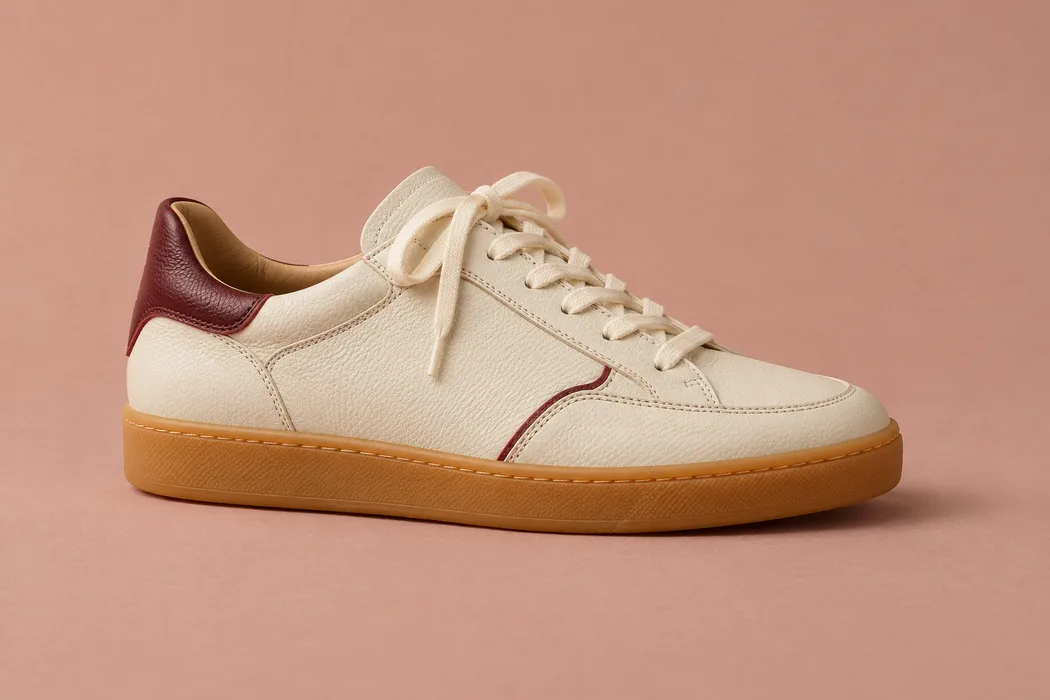
Southstep Shoes sells a trainer called D'Acá. The mark between the D and the A is an apostrophe and belongs to the name. Can you find the shoe by typing its full name in the search box?
Your task
In the shop, open “View assignment”. Grep, your guide, gives you another model to search for first and the shoe size to reserve for this attempt.
Compare two searches
In “Collection”, search for the first name and then for D'Acá. Compare the results and look at the page address. In “?buscar=”, buscar is the parameter name. The text after the equals sign is the search term you sent to the shop.
Open the product page
Select the shoe in the second set of results. Check how its name is written, choose the size from your assignment and select “Reserve this pair”.
Check your reservation
You can find the receipt again in “My reservations”. Select it in Grep and choose “Check my reservation” to see if you reserved the requested model and size.
Sign in to save your attempt. Create an account
Back to the open library chapter (English)